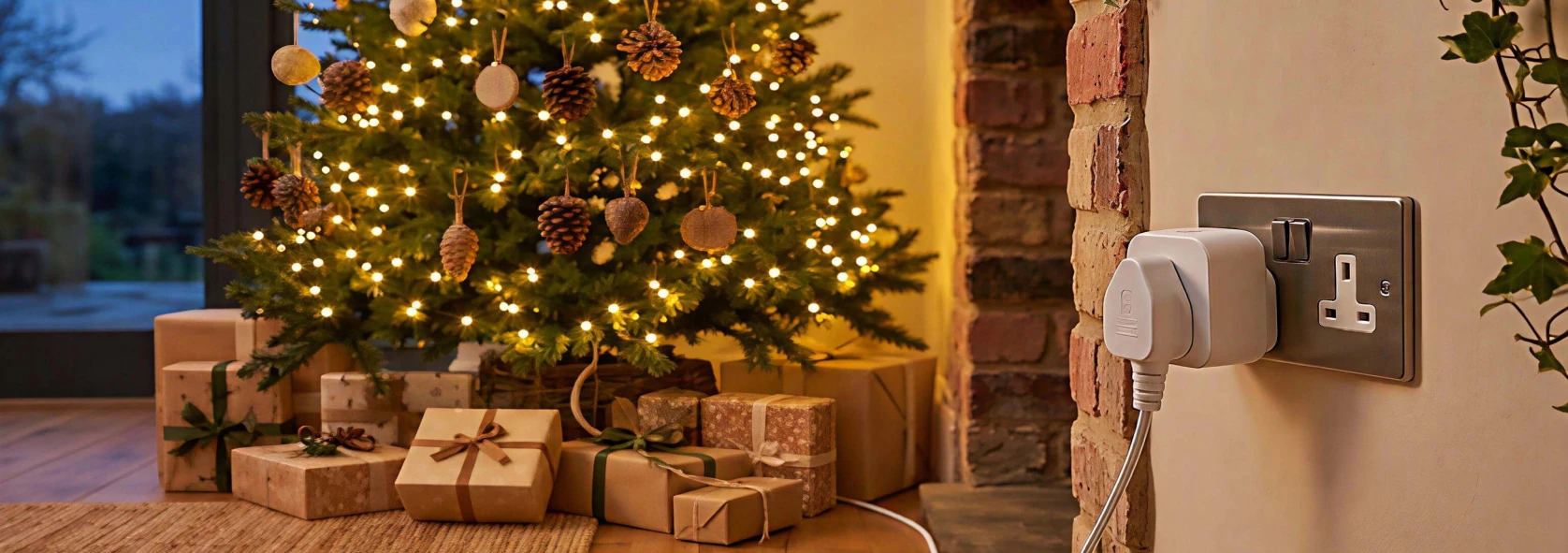
Automatically turn on Christmas lights, heat the rooms you use and light up dark evenings with Hive sensors. Let Hive take control – so you can take things off your to-do list.
Hive Motion Sensors and Hive Window/Door Sensors give you the power to take care of little jobs around your home automatically. They can spot everyday moments, like movement in a room or a door opening, and get the rest of your Hive home to respond when you connect them to Hive Radiator Valves, Lights and Plugs using Hive Actions in the Hive app. Rooms feel comfortable when you use them, mornings feel brighter, and everyday routines happen with less thought. It’s a simple way to make your home work around you, so there’s a little less for you to think about – and more time to spend on the things you care about.
And at this time of year when days are darker, Hive can give you warmth, reassurance and a little festive magic, exactly when you want it.
How can Hive Radiator Valves help me to only heat the rooms I need?
Keeping your home cosy doesn’t have to mean heating every room all the time. Connect Hive Motion or Window/Door Sensors to your Hive Radiator Valves, and your heating can respond to how you use your space.
When movement is detected in a room, your Hive Radiator Valve can warm the room to your chosen temperature. So you can keep the rooms you’re using warm, without wasting energy heating the ones you’re not.
How can I control and schedule my Christmas lights with the Hive app?
Make your own Christmas magic
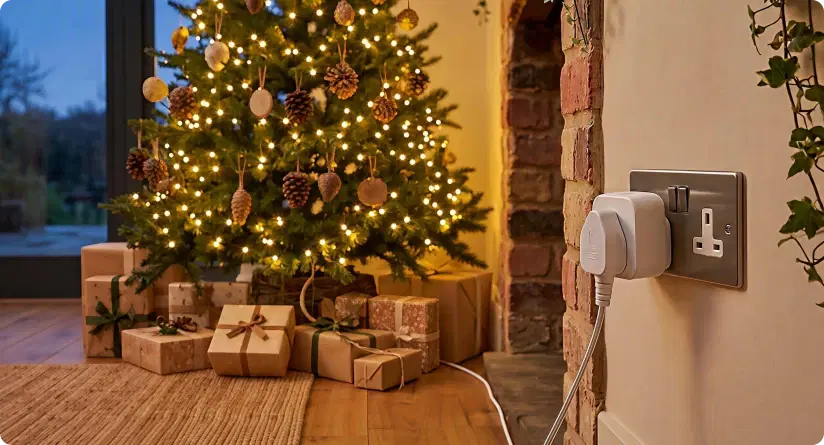
Connect your tree lights to a Hive Plug, then pair them with a Hive Motion Sensor using Hive Actions in the Hive app. Then your Christmas lights will come on automatically when someone walks into the room. No reaching behind the sofa or crawling under the tree. Just instant festive magic.
Alternatively, connect your Hive devices to a compatible smart speaker and create a voice command such as “turn on Christmas!” to activate your tree lights whenever you want.
Set the mood for movie night
Get the popcorn ready. Coloured Hive Lights can help set the scene for your favourite Christmas movie. Go festive with red or green, switch between cool and warm white, or dim the lights from the Hive app when the opening credits roll.
Keep your presents away from little helpers
Hiding gifts for the kids in a cupboard? Pop a Hive Window/Door Sensor on it and you’ll get an alert if someone takes a peek. A small sensor that’s very handy for keeping Christmas surprises secret.
How can Hive lights and sensors make dark evenings easier?
Dark mornings and early evenings can make everyday routines that little bit tricker. Hive can help by getting your lights to work automatically.
Come home to light
Put a Hive Motion Sensor in the hallway and connect it to a Hive Light. When you come home in the dark, the light will turn on automatically. No fumbling for the switch with cold hands or arms full of shopping.
The same idea can guide you through the home. A landing light can come on as you approach the stairs, or a kitchen lamp can brighten when you enter.
Know when the kids are home
Put a Hive Window/Door Sensor on your front door and get an alert when it opens. So when the kids get home from school, you’ll know they’re back without having to check in. A little notification that can bring some welcome reassurance on darker evenings.
Light the way at night
Connect a hallway lamp to a motion sensor using a Hive Plug and the light will come on automatically when someone walks past it at night. No searching for the switch in the dark.
You can even set the Hive Action to only run at certain times, so it works overnight without being triggered throughout the day.
Make home look lived in
When you’re away, Hive Mimic Mode can switch compatible lights on and off in a pattern designed to make it look as though someone is home. Whether you’re visiting family, taking a winter break or simply out for the evening, it’s one less thing to worry about.
How can I use a Hive Plug to make everyday actions easier?
Put the kettle on without leaving the sofa
Use a Hive Plug to switch on a compatible kettle* from the Hive app or with a compatible smart speaker, so you can stay warm and cosy on the sofa for longer.
* Make sure there’s enough water in the kettle before switching it on remotely. Only connect it if the manufacturer confirms it’s suitable for use with a smart plug and it’s within the Hive Plug’s electrical rating.
Put your lights on schedule
Let your Lights, Plugs and Hive Radiator Valves take care of themselves with schedules in the Hive app. Set tree lights to come on as dusk falls and to turn off again at bedtime.
You could also create a Hive Action with a Hive Window/Door Sensor to switch off your Hive Lights and Plugs when the front door closes. Handy when you’re heading out and want one less thing to remember.